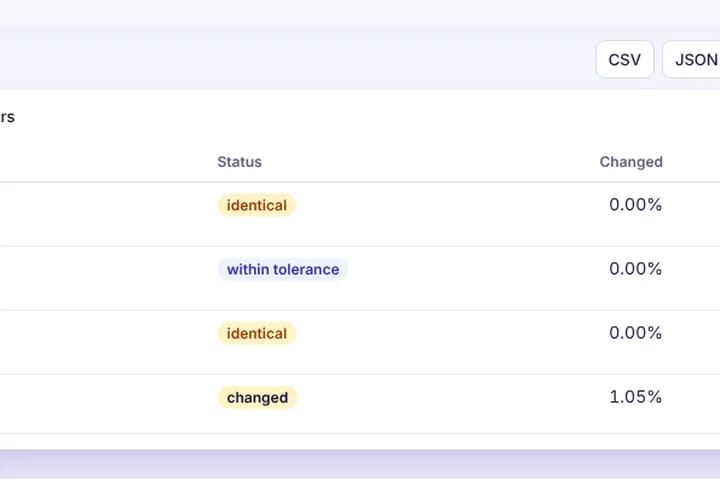
Point at a baseline folder and an actual folder — last release's screenshots and this one's, originals and exports — and every picture is paired by name, compared, and listed as identical, within tolerance, changed or an error.
How files are paired
Pictures are matched by their path inside each folder. An exact match comes first; then the same name in a different case (Home.png and home.png); then the same name without its density suffix, so logo@2x.png pairs with logo.png. Anything left over is listed as only in A or only in B, so a missing or new screenshot is never silently skipped.
What each status means
Identical means the same bytes, or every pixel equal after decoding. Within tolerance means pixels differ but no change region survives the chosen sensitivity — typical of re-rendered fonts or recompression. Changed means at least one region did, and its difference picture goes into the ZIP. Error means a file could not be opened as a picture.
The sensitivity presets are the same as in the two-picture workspace, and any ignore mask you saved there for the same picture size is applied, so the clock and the avatar you masked once stay masked for the whole folder.
Built for long runs
Pairs are compared one at a time and each pair's working copies are released before the next, so memory stays flat. The bar shows pairs done and the time left; pause, resume or stop whenever you like. Click any row to open that pair in the full workspace.